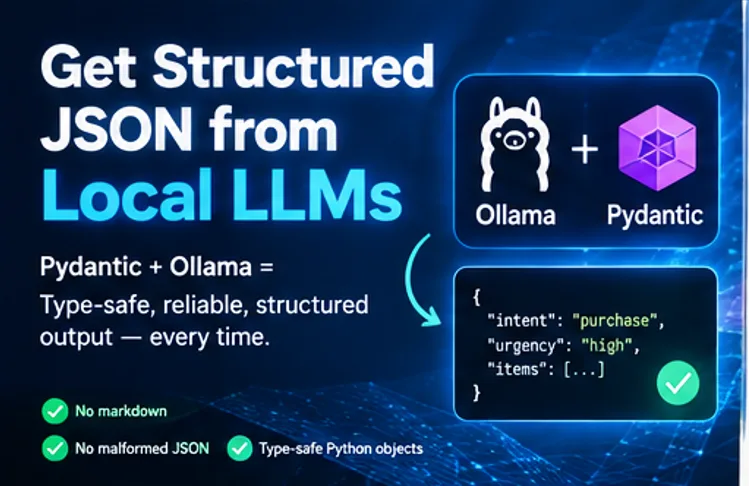
Anyone who’s used local open-source models for backend automation has probably run into the same headache: you tell it to give you valid JSON, but all you get back are markdown-wrapped code blocks, stray commas, or mismatched brackets that make json.loads() choke.
Shipping even basic classification or extraction jobs off to OpenAI or Anthropic just to get cleaner JSON gets expensive fast.
But if you’re running Llama 3, Mistral, or any local model through Ollama, there’s a fix. With Pydantic, you can lock down your output so these models return proper, type-safe JSON and structured Python responses—every single time. No more decoding nightmares.
1. Why Naive Prompting Fails in Production:
Saying “Respond ONLY with valid JSON” in your system prompt gets you valid output most of the time, but it still fails around 30% of the time. Here's what usually goes wrong: the model wraps the answer in markdown blocks (like ```json ... ```), leaves quotes unescaped inside strings, or skips fields your backend requires.
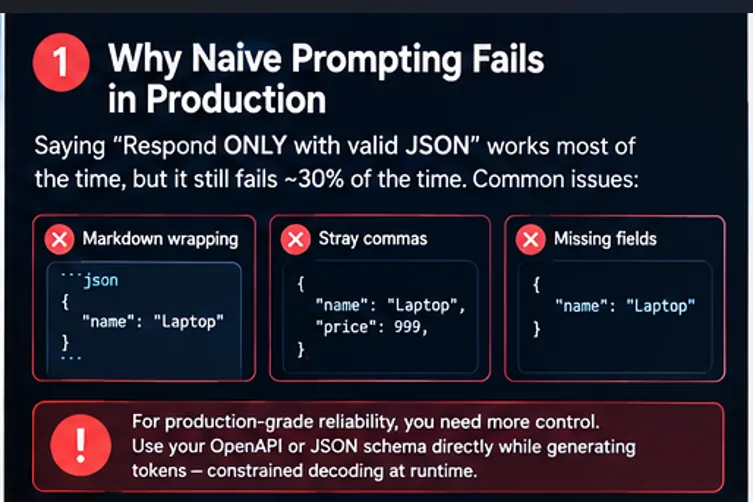
If you want local models ready for production, you need more control. That means making the model follow your OpenAPI or JSON schema directly while it generates tokens—basically, constrained decoding right at runtime.
2. Prerequisites & Setup :
Make sure you have Ollama installed locally and pull a capable instruction-tuned model:
# Pull Llama 3.2 or your preferred local model
ollama pull llama3.2
Install the official Python dependencies:
pip install ollama pydantic
3. Step-by-Step: Defining Schemas with Pydantic:
Instead of writing manual JSON schemas, define your desired output using standard Python type hints with Pydantic BaseModel.
from typing import List, Optional
from pydantic import BaseModel, Field
class ExtractionItem(BaseModel):
item_name: str = Field(description="Name of the product or service mentioned")
quantity: int = Field(description="Quantity requested, default to 1 if unspecified")
price_estimate: Optional[float] = Field(None, description="Estimated price if mentioned")
class OrderAnalysis(BaseModel):
customer_intent: str = Field(description="Primary intent: purchase, refund, or inquiry")
urgency: str = Field(description="Urgency level: low, medium, or high")
items: List[ExtractionItem] = Field(default_factory=list)
4. Forcing Schema Enforcement in Ollama:
The Python ollama client allows you to pass a Pydantic model directly into the format parameter. Ollama automatically extracts .model_json_schema() under the hood to restrict output generation.
import json
import ollama
from pydantic import ValidationError
def extract_structured_data(user_prompt: str) -> OrderAnalysis:
response = ollama.chat(
model="llama3.2",
messages=[
{
"role": "system",
"content": "You are an automated backend parser. Extract structured data from customer messages."
},
{
"role": "user",
"content": user_prompt
}
],
format=OrderAnalysis.model_json_schema(), # Pass JSON schema directly
options={
"temperature": 0.0 # Zero temperature for deterministic output
}
)
# Parse and validate the response content into a typed object
raw_content = response['message']['content']
try:
validated_data = OrderAnalysis.model_validate_json(raw_content)
return validated_data
except ValidationError as e:
print("Schema validation error:", e)
raise
# Example run
unstructured_email = "Hi, I urgently need 3 enterprise server licenses and 1 consultation call by tomorrow."
parsed_result = extract_structured_data(unstructured_email)
print(f"Intent: {parsed_result.customer_intent}")
print(f"Urgency: {parsed_result.urgency}")
print(f"Items found: {len(parsed_result.items)}")
for item in parsed_result.items:
print(f" - {item.item_name} (Qty: {item.quantity})")
5. Implementing Local Function Calling :
To simulate function calling (routing user queries to specific backend functions), wrap your tool definitions inside a Pydantic schema and evaluate the result using standard Python pattern matching.
from typing import Literal
from pydantic import BaseModel, Field
class SearchDatabase(BaseModel):
action: Literal["search_db"]
query: str
limit: int = Field(default=5)
class SendEmail(BaseModel):
action: Literal["send_email"]
recipient: str
subject: str
class FunctionDispatcher(BaseModel):
tool_call: SearchDatabase | SendEmail
def dispatch_user_request(prompt: str):
response = ollama.chat(
model="llama3.2",
messages=[{"role": "user", "content": prompt}],
format=FunctionDispatcher.model_json_schema(),
)
call = FunctionDispatcher.model_validate_json(response['message']['content'])
match call.tool_call:
case SearchDatabase(query=q, limit=l):
print(f"Executing SQL query: '{q}' with limit {l}")
case SendEmail(recipient=r, subject=s):
print(f"Triggering SMTP service to {r} with subject '{s}'")
# Example invocation
dispatch_user_request("Look up the top 10 recent orders for customer ID 4092")
6. Performance Benchmarks & Best Practices: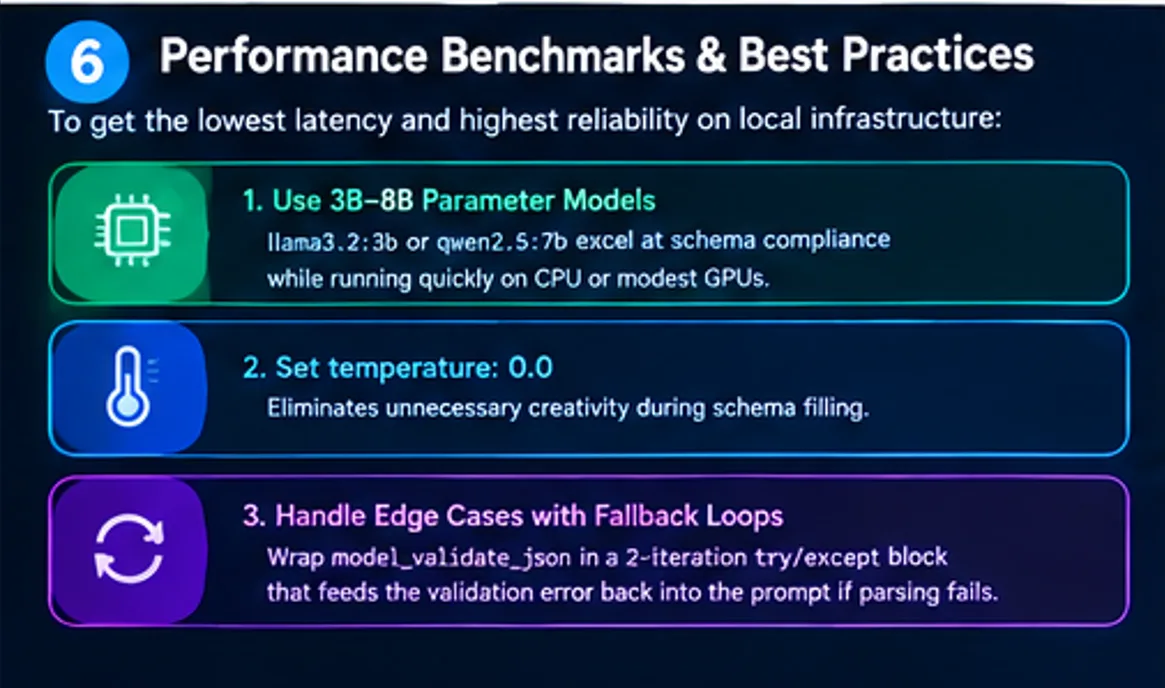
To get the lowest latency and highest reliability on local infrastructure:
- Use 3B–8B Parameter Models:
llama3.2:3b or qwen2.5:7b excel at schema compliance while running quickly on CPU or modest GPUs. - Set
temperature: 0.0: Eliminates unnecessary creativity during schema filling. - Handle Edge Cases with Fallback Loops: Wrap
model_validate_json in a simple 2-iteration try/except block that feeds the validation error back into the prompt if parsing ever fails.
Running schema-constrained local LLMs locally gives you predictable responses, total privacy, and $0 token costs for high-throughput background processing.